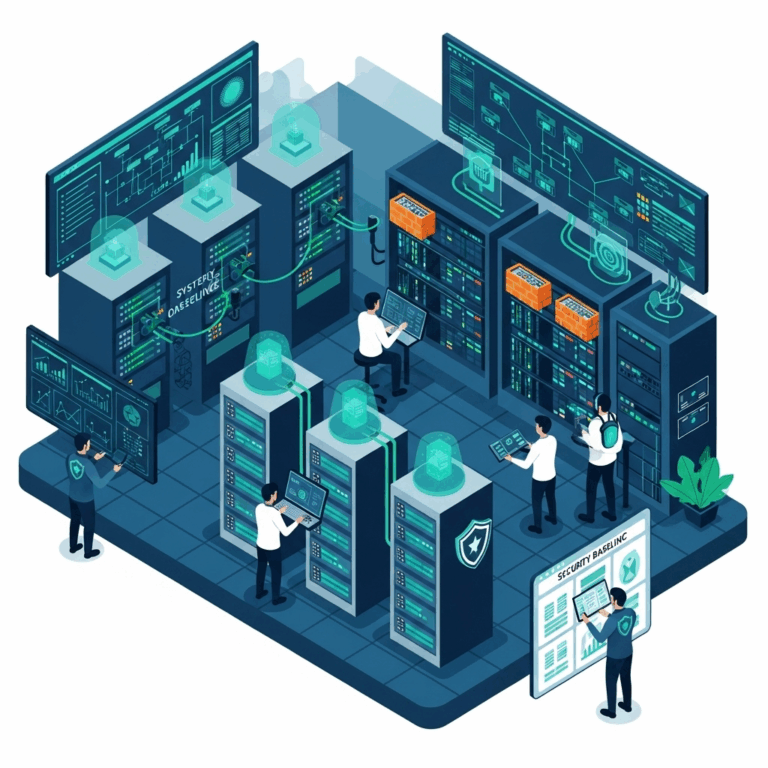

The Federal Risk and Authorization Management Program (FedRAMP) is the U.S. government’s path for approving cloud services. However, its process has been long and slow for many Cloud Service Providers (CSPs). With more agencies turning to cloud computing, it’s clear FedRAMP needs a faster and more efficient approach.
To meet today’s security and speed demands, automation must take center stage. In this article, we’ll explore how CSPs can modernize their FedRAMP journey. We’ll also look at how auditors, with government oversight, can use automation to validate systems more quickly.
Automating the System Security Plan (SSP)
The System Security Plan (SSP) is the foundation of FedRAMP documentation. Unfortunately, writing it from scratch is time-consuming. Many organizations still rely on manual input, which causes delays.
One of the most promising solutions is the Open Security Controls Assessment Language (OSCAL). It’s a machine-readable format that allows CSPs to generate SSPs with automation tools. This drastically reduces preparation time and minimizes human errors. The General Services Administration (GSA) supports this move through FedRAMP Automation.
When CSPs use OSCAL templates, they can get an initial SSP version created in hours—not weeks. The document can also highlight areas where the system does not meet FedRAMP baseline requirements.
Running a Quick Gap Analysis
After generating the initial SSP, the next step is identifying compliance gaps. Automation makes this step faster and more precise. Instead of manual reviews, CSPs can use tools that check configurations, user access, and control mappings in real time.
Some software platforms compare your current system setup with FedRAMP Moderate or High baselines. These tools can also create dashboards that show which controls need remediation.
This step is not just about saving time. It’s about understanding risks early in the process. That way, teams can prioritize what needs fixing without guessing.
Rapid Remediation of Security Gaps
Once gaps are found, they must be fixed quickly to move forward. Using manual scripts or inconsistent methods leads to delays and mistakes. Automated deployment tools, like Ansible or Terraform, help CSPs fix these gaps across cloud environments.
For example, if your configuration lacks encryption at rest, you can apply the correct setting across all assets with a single script. Automation also helps maintain consistency across multi-cloud systems.
Additionally, configuration management systems can ensure that once changes are made, they remain in place. This ongoing validation helps CSPs stay compliant even after their initial review.
Training Staff to Handle the New System
People are still the key to making any security program work. Automation helps, but staff must know how to manage the system day-to-day. After remediation, the updated SSP will reflect new responsibilities, policies, and tools.
To stay compliant, IT staff should receive focused training. Sessions should include how to operate and monitor the tools introduced during automation. Role-specific guides and walkthroughs also help reduce confusion.
Additionally, providing regular refresher training ensures that employees stay up-to-date with evolving compliance practices and system changes.
Using Automation to Validate Configurations
Auditors are responsible for checking that CSPs have met the security requirements. In many cases, validation takes longer than it should. That’s because the auditor needs to manually check documentation, configurations, and logs.
Automation helps reduce this time dramatically. For instance, using OSCAL-formatted documents allows validators to run scripts that test system compliance automatically. Tools can compare documented controls against live systems to ensure alignment.
The result is fewer back-and-forth conversations between CSPs and auditors. It also means faster results without sacrificing quality or trust. This approach is already being tested through initiatives like FedRAMP’s Automation Program.
Preparing for Continuous Monitoring
Authorization isn’t a one-time task. After approval, CSPs must prove they are maintaining the right controls. Continuous monitoring is required by FedRAMP and can be time-consuming without the right setup.
However, automation makes ongoing compliance easier. Security Information and Event Management (SIEM) tools, compliance dashboards, and automated ticketing systems all support real-time visibility.
When incidents or changes occur, alerts can be triggered and logged for review. Monthly and annual reports can also be generated automatically. These tools reduce workload for both CSPs and government oversight teams.
FedRAMP 20x and the Push Toward Modernization
The FedRAMP 20x initiative is designed to speed up the entire process. Launched by the General Services Administration, it aims to simplify the path for cloud service authorization through innovation and automation.
FedRAMP 20x also supports collaboration between government and industry. It encourages feedback from CSPs and auditing firms to refine templates and testing methods. According to GSA, this effort could cut months from the average timeline. (GSA Press Release)
As this initiative evolves, more automation tools and pre-approved templates will be available. CSPs who get involved early will be better positioned to benefit.
A Roadmap to Efficiency
FedRAMP doesn’t have to be a bottleneck. Through automation, proactive planning, and strong training programs, CSPs can move faster without cutting corners. Likewise, auditors and oversight teams can adopt tools that make reviews quicker and more accurate.
Success comes from investing in the right processes early. That includes:
- Generating OSCAL-based SSPs
- Automating gap analysis and fixes
- Training your team well
- Using validation tools during audits
- Leveraging FedRAMP 20x tools and updates
With these steps in place, the road to FedRAMP compliance becomes smoother—and faster—for everyone involved.
References Cited:
About The Author